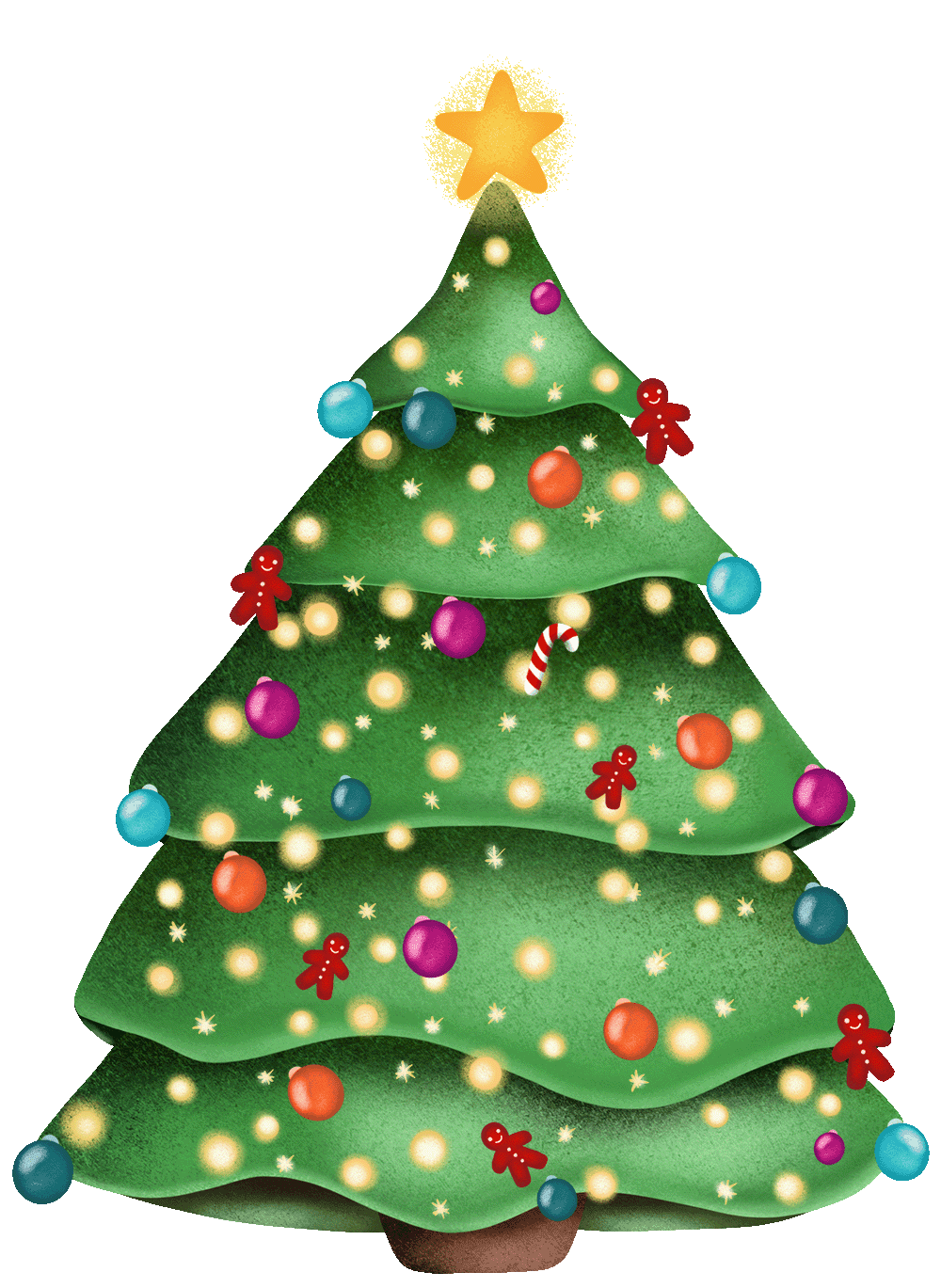
Put the tree up early. Christmas Tree Countdown for Mac, iPhone and iPad.


Decorate your tree, make it yours.
Handcrafted decorations. Eighteen baubles, plus a candy cane, a bow, a heart and a star.
Ten light settings. Steady on, slow fade, twinkle, chasing, flash and five more. Six bulb colours.
Green, white or pink. Change the tree colour at any time. Your decorations stay where you put them.
Turn your images into ornaments. Add photos from your phone or Mac. Each one becomes a bauble you can hang anywhere.
Add any emoji. Anything on your keyboard can hang on the tree.
Save more than one tree. Make a tree for each person in the house, name it, and switch between them.
On your Mac, iPhone, iPad and Apple Watch
Decorate your tree, your way. Make the tree your own. Hang ornaments, string up lights and add your favorite photos, on a green, white or pink tree.

Festive fun on every device. See how many days are left until Christmas Day every time you pick up your phone, iPad, Watch and Mac.

Home Screen and Lock Screen widgets. Always know how long is left until christmas without opening the app.

On your Watch. Glance at your wrist to see how many days are left until Christmas Day, right there on your watch face.

A tree on your desktop. It floats above your windows, wherever you drag it. Resize it or hide it whenever you like.

Desktop widgets. Your tree on the desktop in three sizes, beside your calendar and your notes.

Countdown in your menu bar. The days left, at the top of your screen, without opening the app.

FAQs
Which day does it count down to?
The default countdown date depends on your region. In Settings, you can choose 5 or 6 December, 24 or 25 December, or 6 or 7 January.
Is Christmas Tree free?
Yes. The tree, the countdown, three baubles, a star and warm white lights are free. A one-time purchase of $1.99 adds every other decoration, your own photos, coloured lights, widgets, the Mac menu bar countdown and Apple Watch complications.
Is there a subscription?
No subscription. One purchase unlocks all features on Mac, iPhone, iPad and Apple Watch, with Family Sharing.
Is there a Windows or Android version?
No. Christmas Tree is available for Mac, iPhone, iPad and Apple Watch.
What do I need to run it?
Christmas Tree needs macOS 14 Sonoma or later on a Mac, iOS 17 or iPadOS 17 or later on iPhone and iPad, and watchOS 10 or later on Apple Watch.
How do I put a Christmas tree on my Mac desktop?
Download Christmas Tree from the Mac App Store and open it. The tree appears in the bottom-right corner of your screen and floats above your other windows. Drag it anywhere, and right-click it to make it bigger or smaller, decorate it or open Settings.
How do I add the Christmas countdown widget to my iPhone?
Touch and hold an empty part of your Home Screen, tap Edit, then Add Widget, and choose Christmas Tree. There are three Home Screen sizes and three Lock Screen styles. Widgets are part of the one-time purchase.
Can I see the countdown on my Apple Watch face?
Yes. Christmas Tree has complications for circular, corner, inline and rectangular spots on your watch face, and a watch app that shows your tree with the days left. The watch app is free; the complications are part of the one-time purchase.
Do the lights twinkle in the widget?
No. Widgets show a still picture of your tree. The lights animate in the Christmas Tree app itself.
Can I send my tree to someone?
Not yet. Each tree stays on the device you made it on.
Does it need the internet?
No. You can use the app offline. Purchases require an internet connection.
Can I download the old version of Christmas Tree?
Yes. The original free Mac version (1.3.3), for macOS 12 or later, is still available. Download version 1.3.3 (.dmg)


