A Christmas countdown widget for your iPhone
Put your own decorated tree and the days left until Christmas on your iPhone Home Screen or Lock Screen.
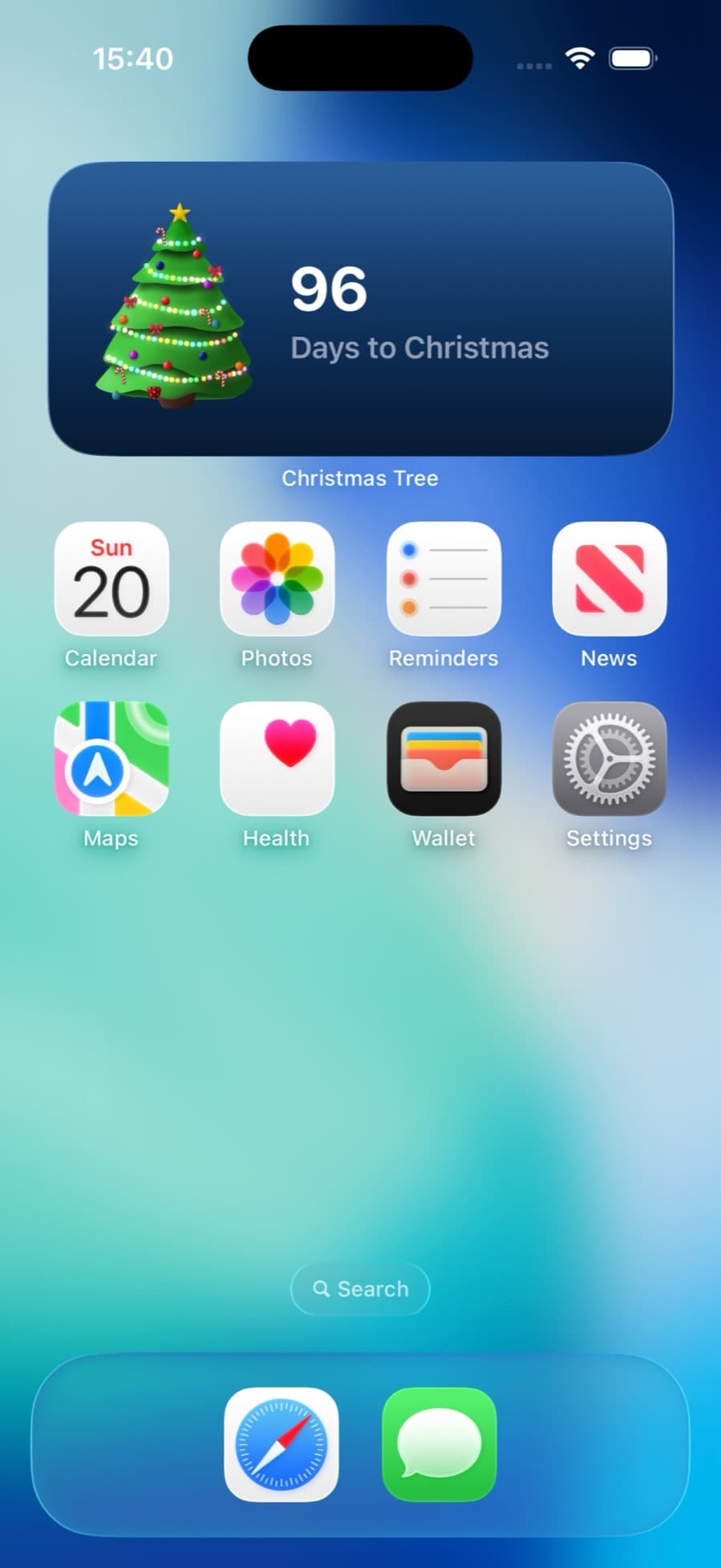
Add it to your Home Screen
- Download Christmas Tree from the App Store and open it once. Decorate your tree: the widget shows the one you make.
- Touch and hold an empty part of your Home Screen until the apps start to jiggle.
- Tap Edit in the top corner, then Add Widget. On iOS 17, tap the + button instead.
- Search for Christmas Tree, swipe to the size you want, and tap Add Widget. Then tap Done.
Add it to your Lock Screen
- Touch and hold your Lock Screen until Customize appears, then tap it and choose Lock Screen.
- Tap the space for widgets under the clock.
- Choose Christmas Tree and pick a style. Tap Done.
Decorate your tree
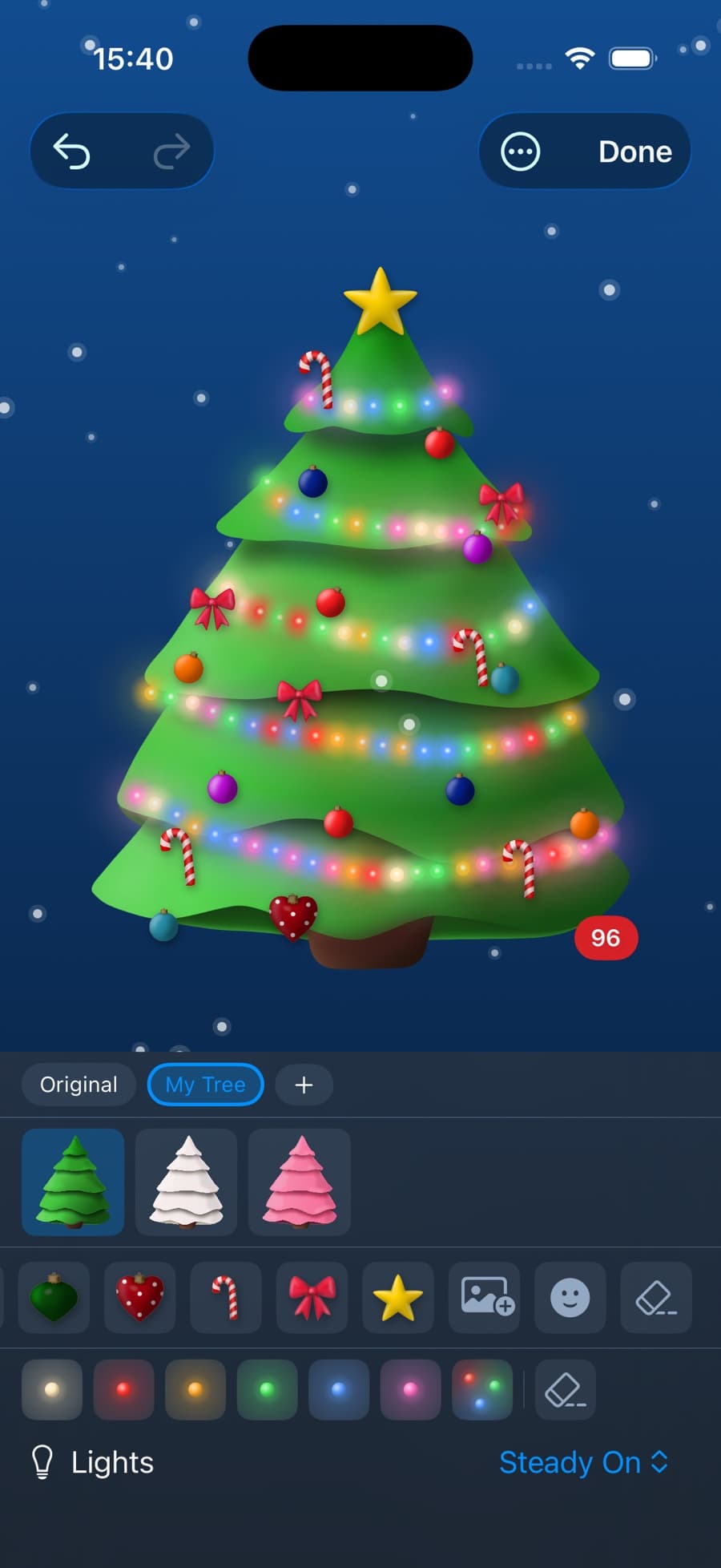
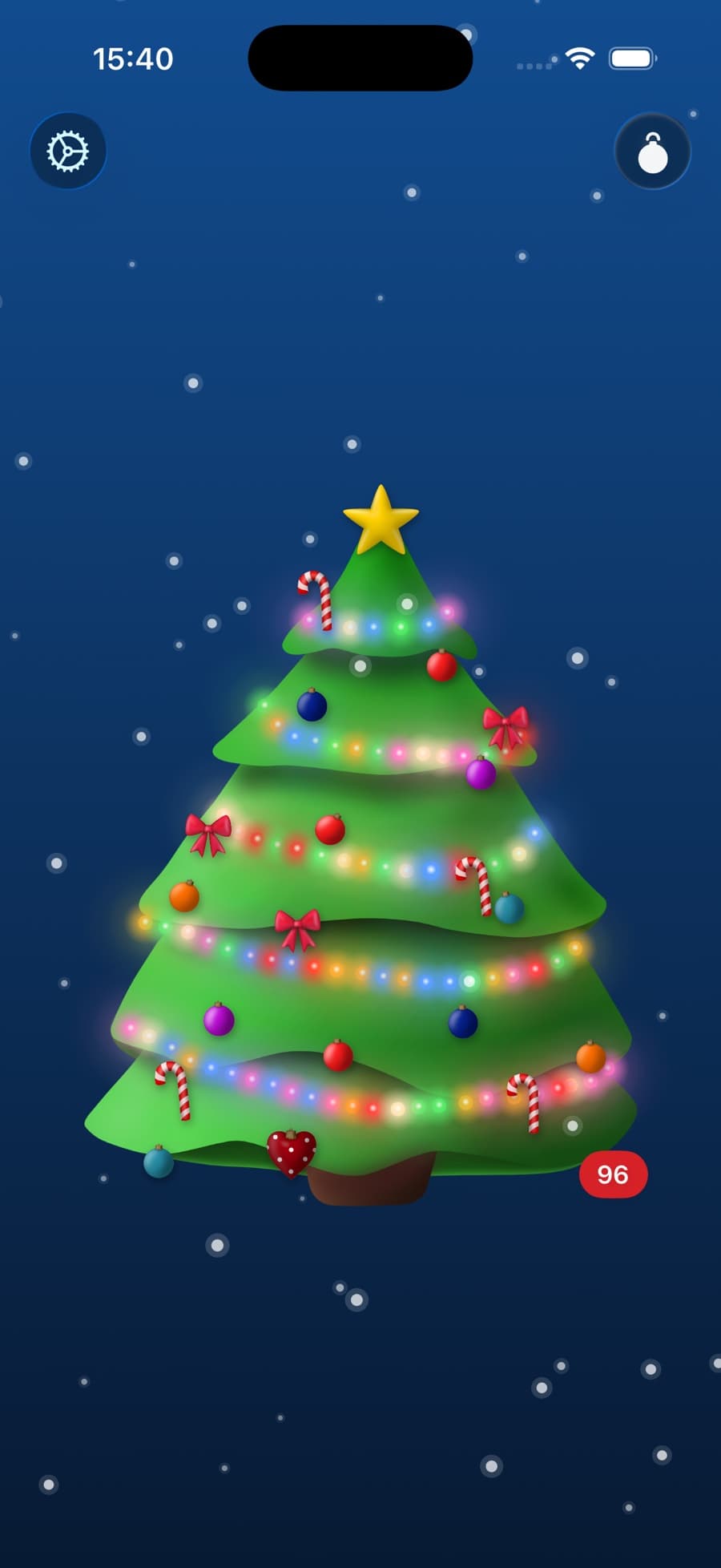
Questions
Is the Christmas countdown widget free?
The Christmas Tree app and countdown are free. Widgets are part of a one-time purchase of $1.99. There is no subscription.
Does it work on iPad?
Yes. The same widgets work on iPad.
Can I put the countdown on my Apple Watch?
Yes. Touch and hold your watch face, tap Edit, and add Christmas Tree as a complication.
Is there an Android version?
No. Christmas Tree is only for iPhone, iPad, Mac and Apple Watch.