A Christmas tree for your Mac desktop
A decorated Christmas tree that floats on your Mac desktop and counts down the days to Christmas. Free on the Mac App Store.
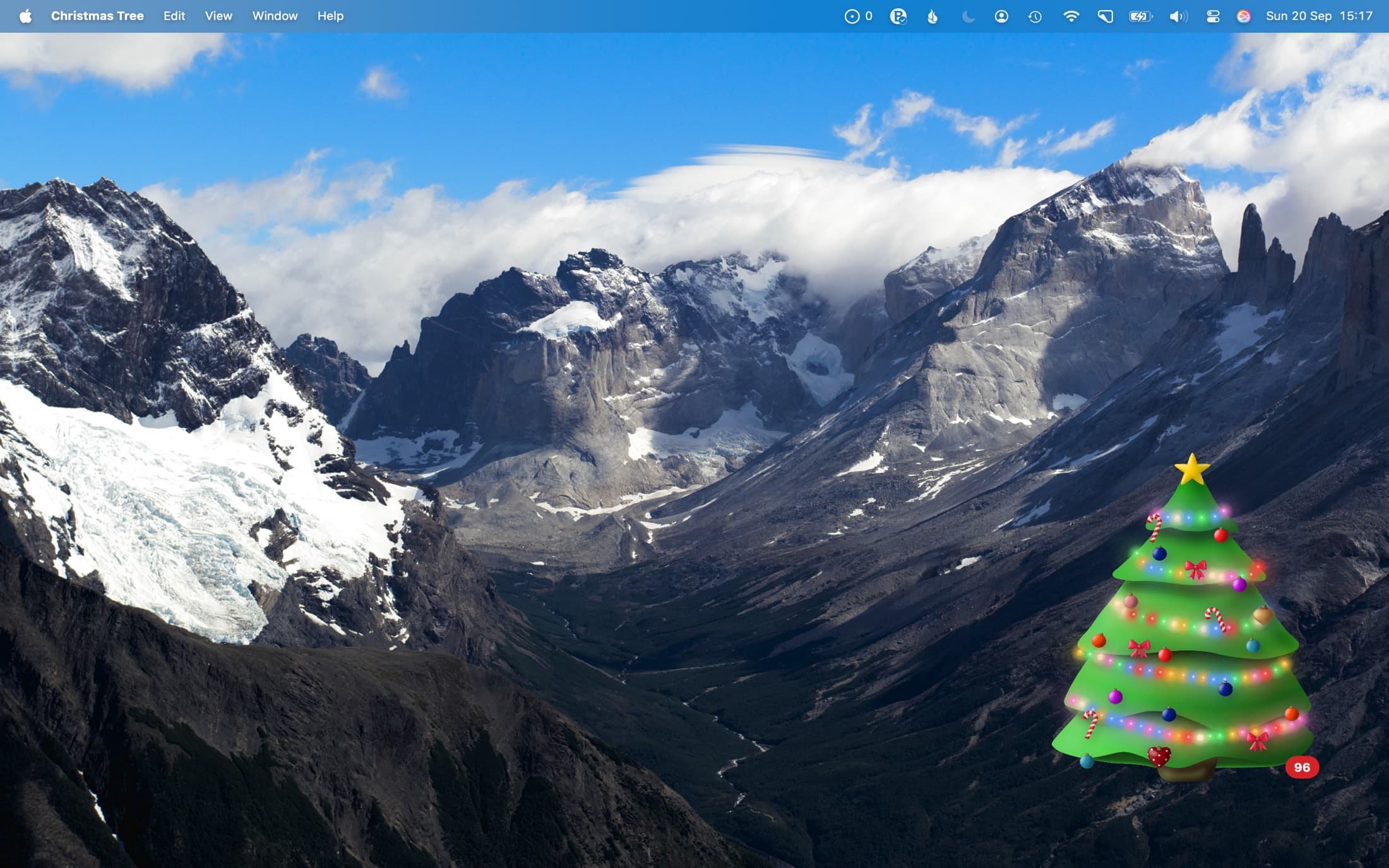
How to put a Christmas tree on your Mac desktop
- Download Christmas Tree from the Mac App Store. It is free.
- Open it. The tree appears in the bottom-right corner of your screen, with the number of days left until Christmas.
- Drag the tree wherever you want it. To change its size, right-click it and choose Bigger or Smaller, or press ⌘+ and ⌘−.
- To open Christmas Tree automatically when you log in, right-click the tree, choose Settings, and turn on Open at Login.
Decorate it
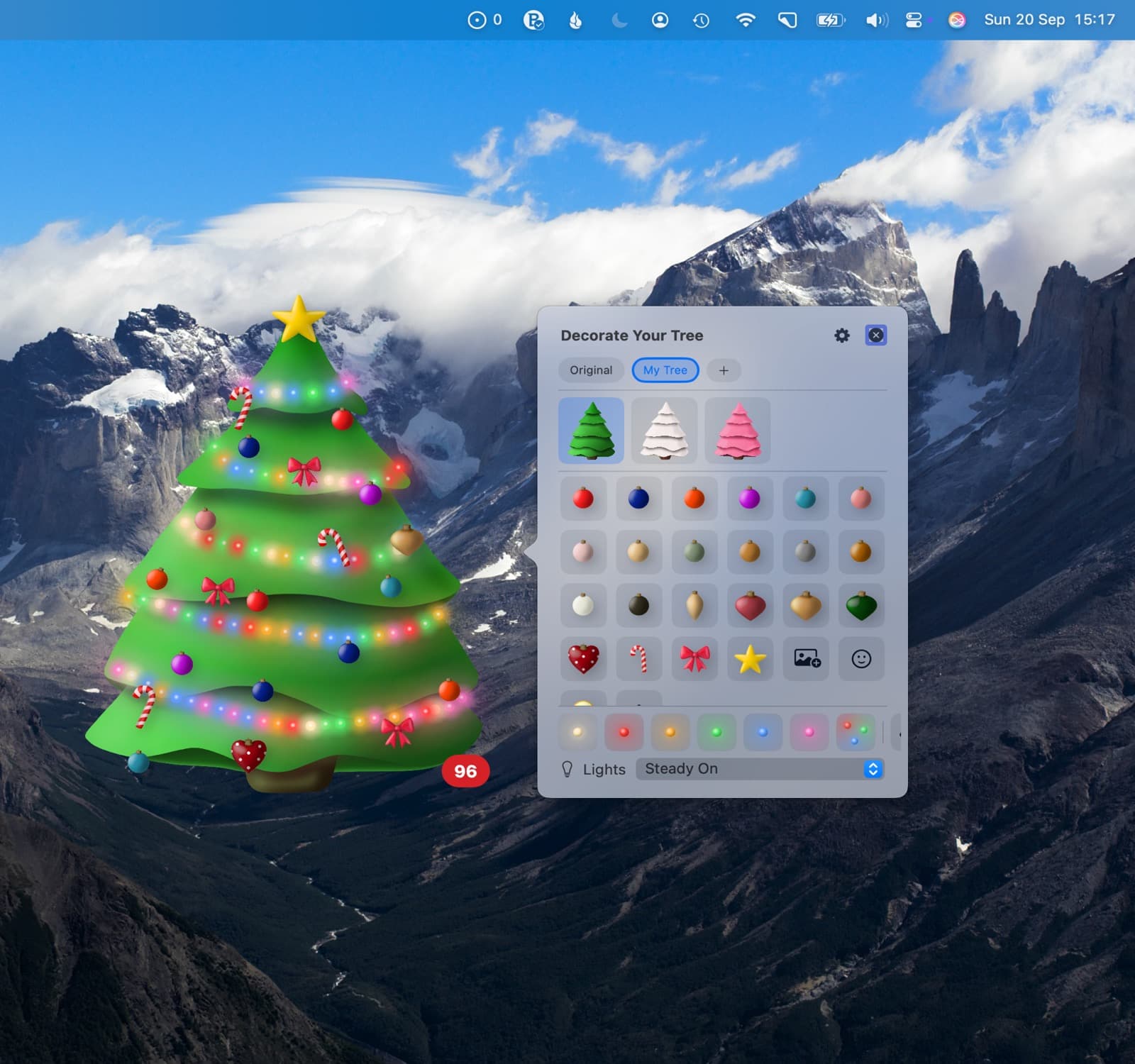
Double-click the tree to hang baubles, lights and your own photos.
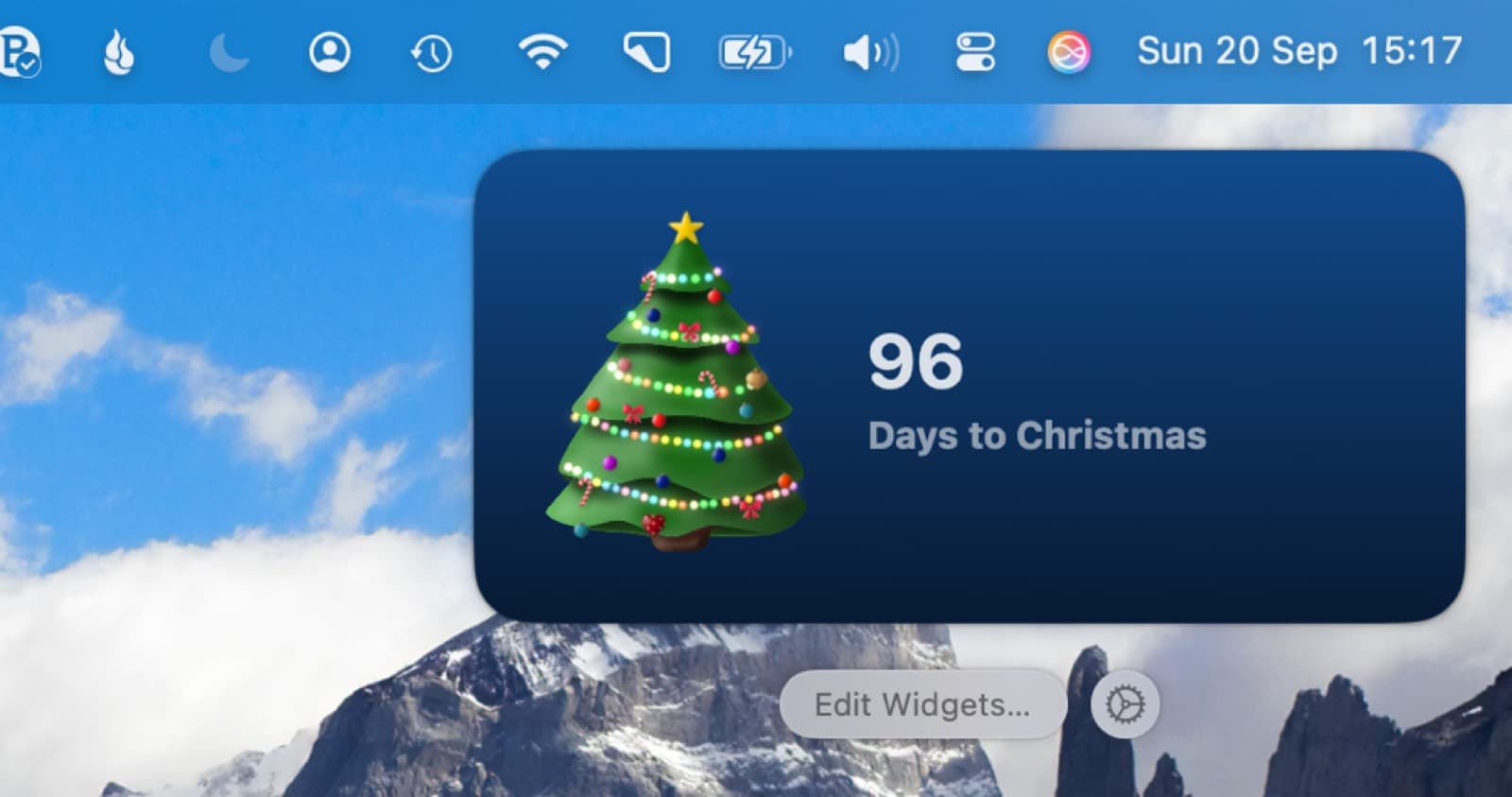
In your menu bar and widgets

Questions
Is Christmas Tree for Mac free?
Yes. The floating tree, the countdown, three baubles, a star and warm white lights are free. A one-time purchase of $1.99 adds all other decorations, photo ornaments, coloured lights, desktop widgets and the menu bar countdown.
Is there a Windows version?
No. Christmas Tree runs on Mac, iPhone, iPad and Apple Watch only.
Is there a version for older Macs?
Yes. The original free version (1.3.3) runs on macOS 12 or later. Download version 1.3.3 (.dmg)